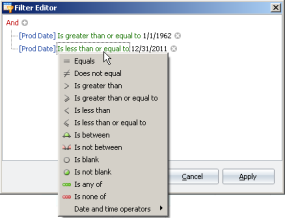
Right-click a column header or click Edit Filter in the bottom-right of a grid to which you've already applied a filter to display the Filter Editor dialog box where you click portions of the query expression and select values from a popup list to create one or more query strings to apply to the current spreadsheet.
Filters you create appear at the bottom-left of the spreadsheet pane as follows: 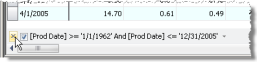
Click  to delete it,
  to save but clear it, or Edit Filter to display the Filter Editor dialog box.
You can also click the filter ( ) that appears in the column header to display either a calendar popup or a list of items that appear in that column (depending on the type of data in the column) and select the term, value, date, or date range by which to sort.